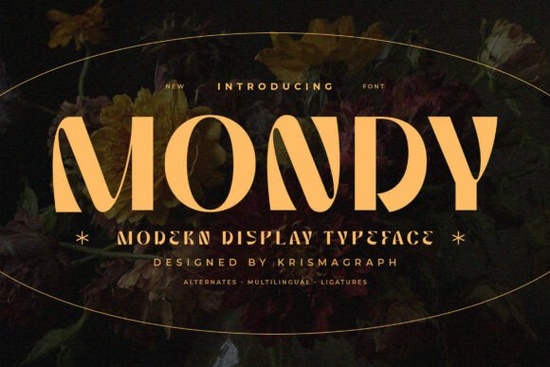
If you're looking for a display font that feels both modern and intentional something that stands out in logos, social media headers, or packaging without leaning into trendiness Mondy Font is worth your attention. It’s not just bold or decorative; it balances geometry with soft curves and thoughtful spacing, making it easier to read at large sizes while still holding visual interest. Designers and small business owners especially appreciate how it bridges personality and professionalism whether you’re launching a boutique skincare line or designing a limited-run poster series.
What makes Mondy work well for real projects?
Mondy was built for impact not just aesthetics. Its uppercase and lowercase sets include stylistic alternates and ligatures, so you can fine-tune how words flow without switching fonts. For example, the “fi” or “fl” combinations connect smoothly, and letters like “a”, “g”, and “y” have distinctive shapes that add character without sacrificing clarity. That’s helpful when you’re working on something like a café menu board or an Instagram story where legibility matters at a glance.
It also supports multiple languages (including extended Latin characters), which matters if you serve bilingual audiences or plan to use it internationally even for simple things like product tags or event invites. And because it includes full punctuation and numerals, you won’t need to hunt for a secondary font just to type a price or date.
Where do people actually use Mondy?
You’ll see Mondy used most often where first impressions count:
- Logo design especially for lifestyle brands, creative studios, or artisanal products
- Social media banners and profile headers (it scales cleanly across devices)
- Packaging labels and product stickers (its weight holds up even on textured paper)
- Editorial layouts like magazine covers or zine titles where typography carries the tone
- Website hero sections or landing page headlines (pair it with a neutral sans-serif body font for contrast)
It’s not meant for long paragraphs or small UI text that’s where something like Studdy Planner Font or Natural Story Font fits better. But for anything that needs to grab attention quickly and feel intentional, Mondy delivers quietly confident results.
How does it compare to other modern display fonts?
Mondy sits comfortably between minimalist and expressive. It’s less rigid than Blackstone Sans, which leans clean and architectural, and more structured than Clinched Font, which has stronger hand-drawn energy. If you’ve tried Mondy Font alongside those, you’ll notice how its curves soften sharp angles just enough and how its letter spacing avoids feeling cramped or overly airy.
For reference, you can explore similar options directly on Creative Fabrica: Mondy Font.
Practical tips before you download
Before adding Mondy to your project, keep these in mind:
- Test it at size: Try it at 60pt+ in your layout software. Display fonts often look different in mockups versus final output.
- Check language needs: If you’re designing for Spanish, French, or Polish speakers, verify that the multilingual set covers the diacritics you’ll need.
- Pair thoughtfully: Pair it with a simple, neutral sans-serif (like Studdy Planner or Natural Story) for body text not another decorative font.
- Use alternates sparingly: A single alternate character can add polish, but overusing them may distract from readability.
- License check: Confirm whether your intended use (e.g., POD, client work, digital ads) falls within the included license terms.
If you're building a brand identity system, consider testing Mondy alongside fonts like Studdy Planner Font for supporting text, or Natural Story Font for friendly, approachable subheadings. They share a similar contemporary sensibility but serve different roles making them reliable companions rather than competitors.
Start by downloading Mondy Font, then open a blank document and type three words that reflect your project’s tone “artisan”, “bold”, “serene”, whatever fits. Try each in uppercase, then with one or two alternates enabled. See what feels right. Good typography doesn’t shout it settles in, clearly and confidently.
Download Now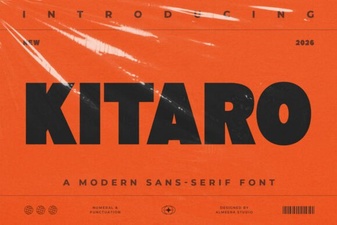 Kitaro Font: Creative Design & Typography Ideas
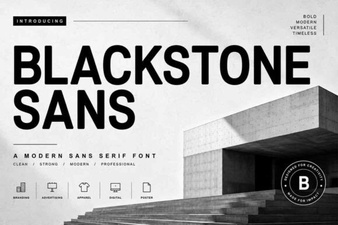 Blackstone Sans: Clean, Versatile Typography for Modern Design
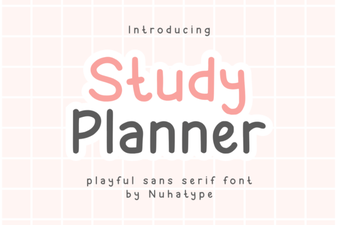 Studdy Planner Font: Creative Study Design Tool
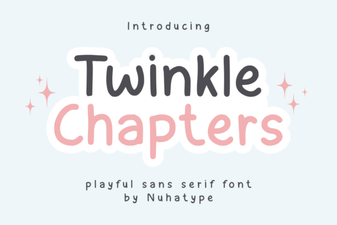 Twinkle Chapter Font: Creative Design Ideas
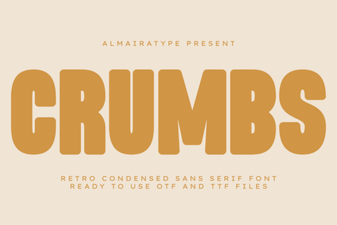 Crumbs Font: Playful & Versatile Design Tool
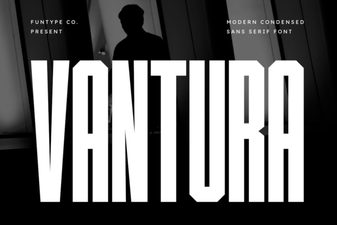 Vantura Font: Creative Design & Versatile Typography